
On this page:
Tema 1 - Tema 2 - Related articles
Introduksjon
[screen recording]
Husk settings: Loop, mute, Hide controls, auto play
Tema 1:
Tekstesen
Tema 2:
Tekst tekstesen
Related articles:
Link 1
Link 2
Gammel tekst:
Use the equipment register report to export all equipment with its current latest result data from different projects. The export includes a project column, and a scope column to identify where the task result is from.
Go to your asset equipment database and set a filter on the equipment type (label) you want a register report for:
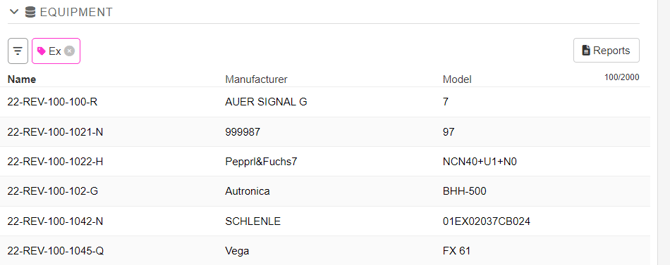
Click the Reports button and then select Register Report

Now select the checklist you want results from:
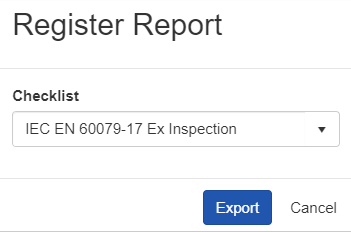
The exported equipment list includes latest data, and latest results for the selected checklist. The export functions as a "Equipment register" export. Any equipment that lacks a task does so because there are no tasks performed on that equipment related to the selected task template.