
On this page:
Variants - Create Variant - Related articles
If you have two models that are identical in manufacturer and model name but they differentiate in model properties you can add or link them together as variants.
Variants:
Model variants can be used when you have the same model but the model properties varies. In the example video above there are three variants of the Glamox Max 236 HF-E as they have three different Ex Certificates.
Create Variant
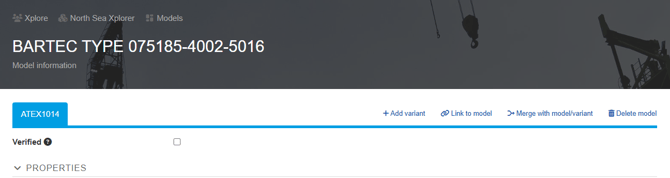
Locate the model you want to add a variant on and click Add variant.
Locate the model you want to add as a variant to another model and click Link to model. This will open a "Link Model" window where you can select a model in the dropdown menu. Start typing to narrow down your search result.
Related articles:
Link 1
Link 2