
On this page:
Tema 1 - Tema 2 - Related articles
Introduksjon
[screen recording]
Husk settings: Loop, mute, Hide controls, auto play
Tema 1:
Tekstesen
Tema 2:
Tekst tekstesen
Related articles:
Link 1
Link 2
Gammel tekst:
Share your Inspectio site to a service partner registered in Inspectio.
Go to your company page and select Edit on the right hand side next to the "Shared Access" label.
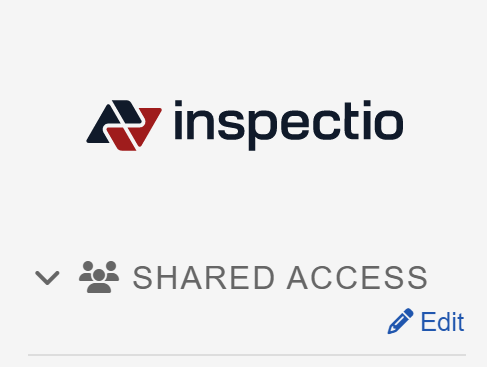
Add a partner by selecting the +Add button. Er edit an existing one.
Select partner and also select what the partner can access and with what role:
If you give a partner the Admin role, only users from that partner that is also an Admin on the partner will be an Admin on your company. A share can never upgrade a user currently restricted with operator or guest at its own company.